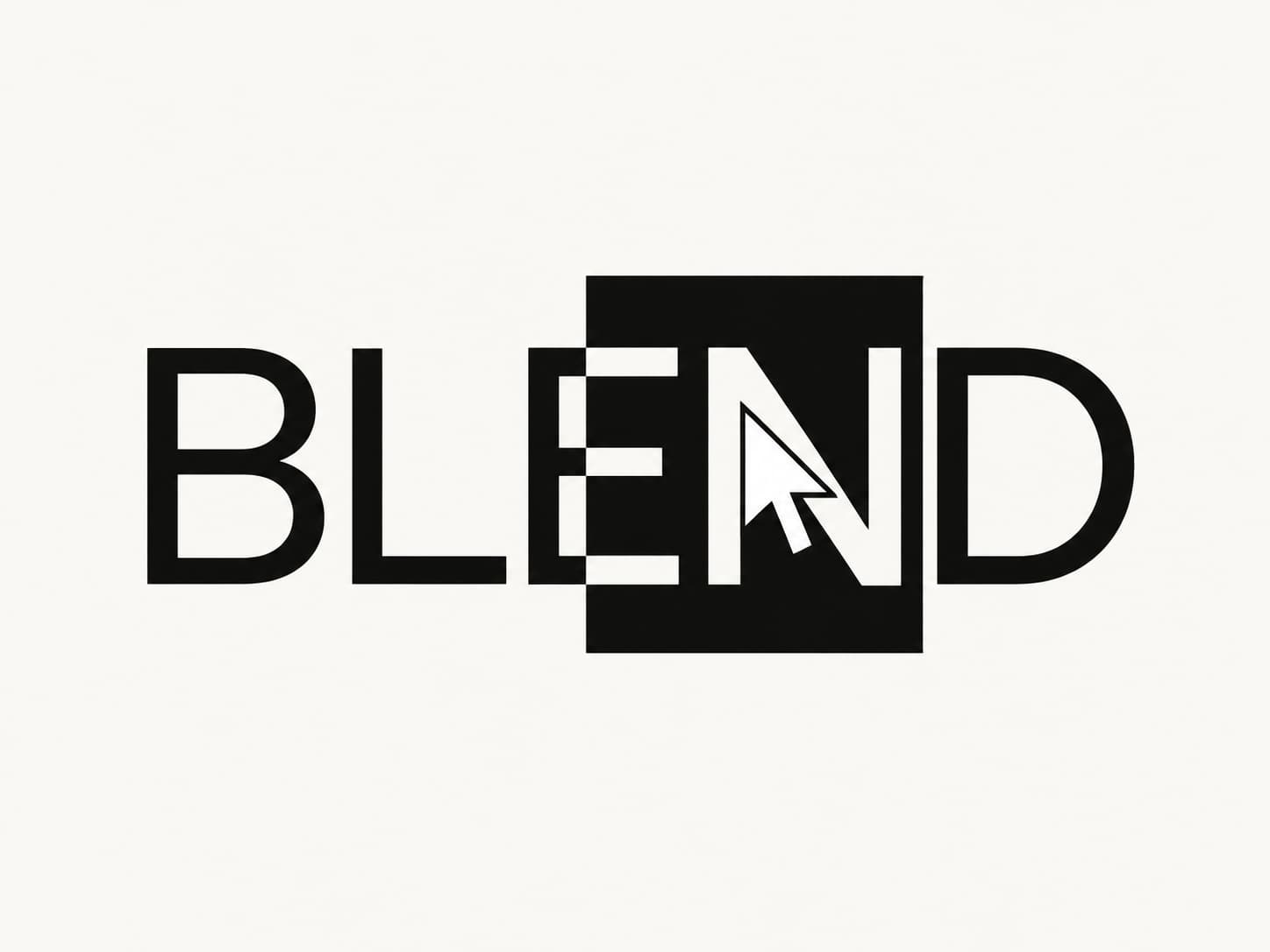
A geometric cursor that follows your pointer and changes the colors of the content beneath it.
Bring a subtle interactive detail to your Framer site. Blend Cursor moves with your pointer, then settles directly on it when movement stops. Its Difference blend effect shifts the appearance of text, images, and backgrounds as you explore the page.
Features
Difference blending reveals content beneath the cursor in contrasting colors.
Four shapes: square, circle, diamond, and hexagon.
Adjustable size to suit your layout.
Custom color to change how the blend appears.
Adjustable follow lag for a tighter or softer movement.
Click-through behavior lets visitors interact with the content underneath.
How to use it
Add Blend Cursor once to your Main Layout so it appears across all pages.
In the component settings, choose a shape, size, color, and follow lag.
Open Live Preview and move your pointer over text and images to see the blend effect.